
THE DEVICE / CHERRY BOX
Meet the hardware.
Get to know the box behind your TV setup. Take a closer look at the hardware, the accessories and your available options.

A CLOSER LOOK / 02
The setup,
piece by piece.
See the device and accessories together, then explore each detail below.
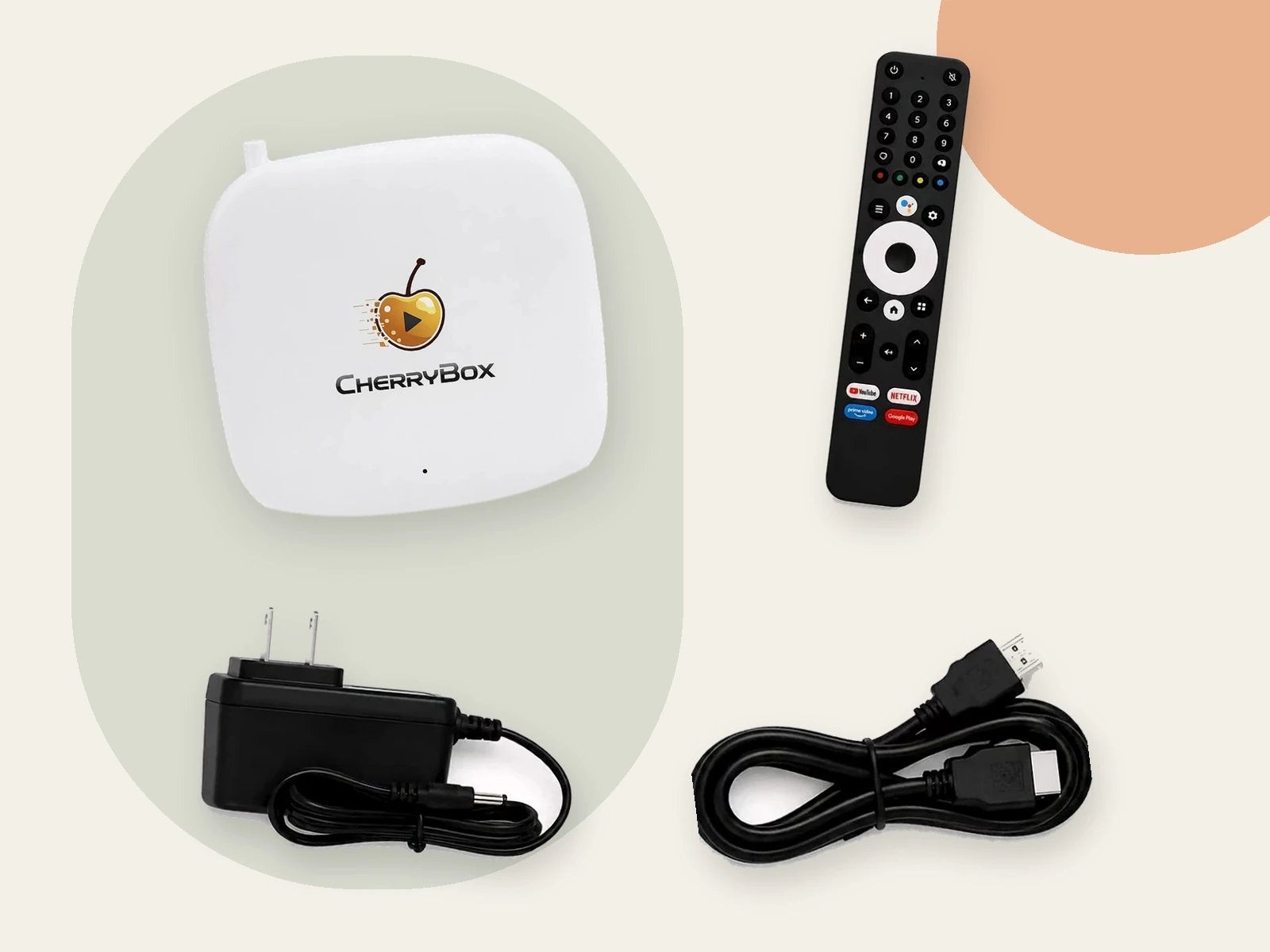
DEVICE & ACCESSORIES PICTURED
Every part.
In view.
- 01Cherry Box
The supplied device, shown from the front.
- 02Remote
Controls the device.
- 03Power adapter
Connects the device to power.
- 04HDMI cable
Connects the device to an HDMI display.
Pictured accessories are for reference. Check the package contents, power requirements and connections for your selected product.
THE DETAILS / 03
Small details.
A complete picture.
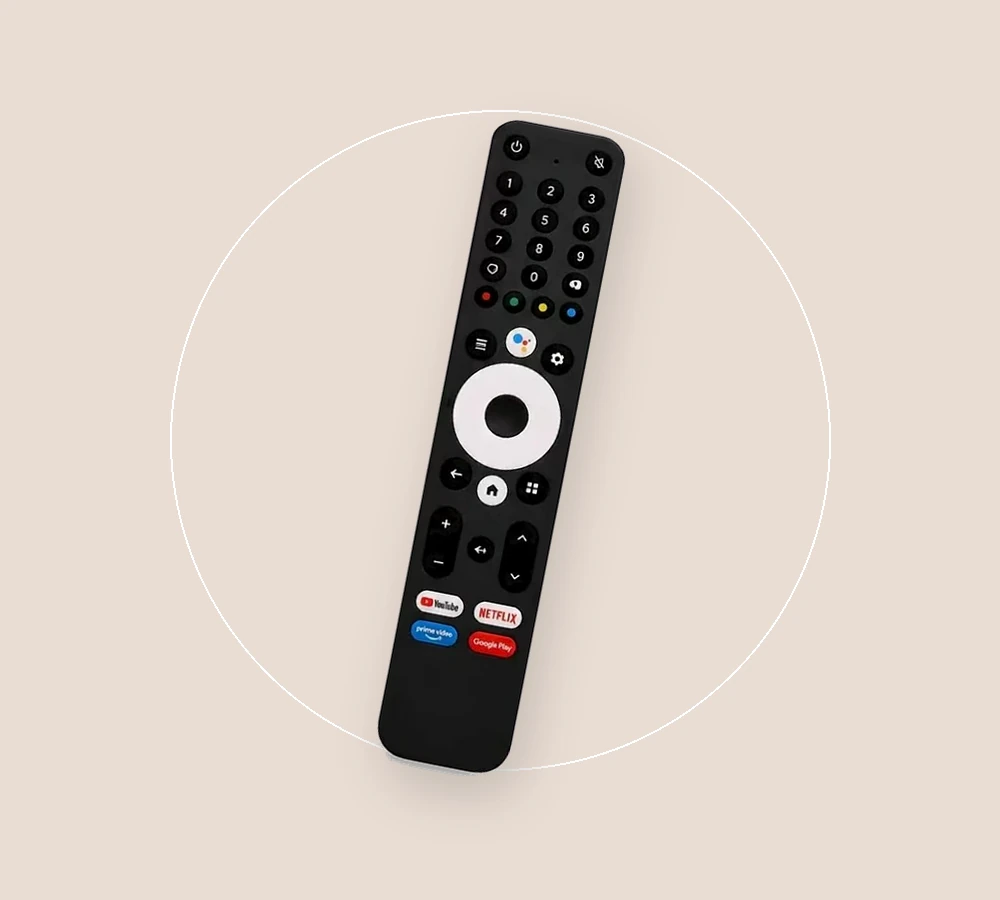
Remote
Controls the device.
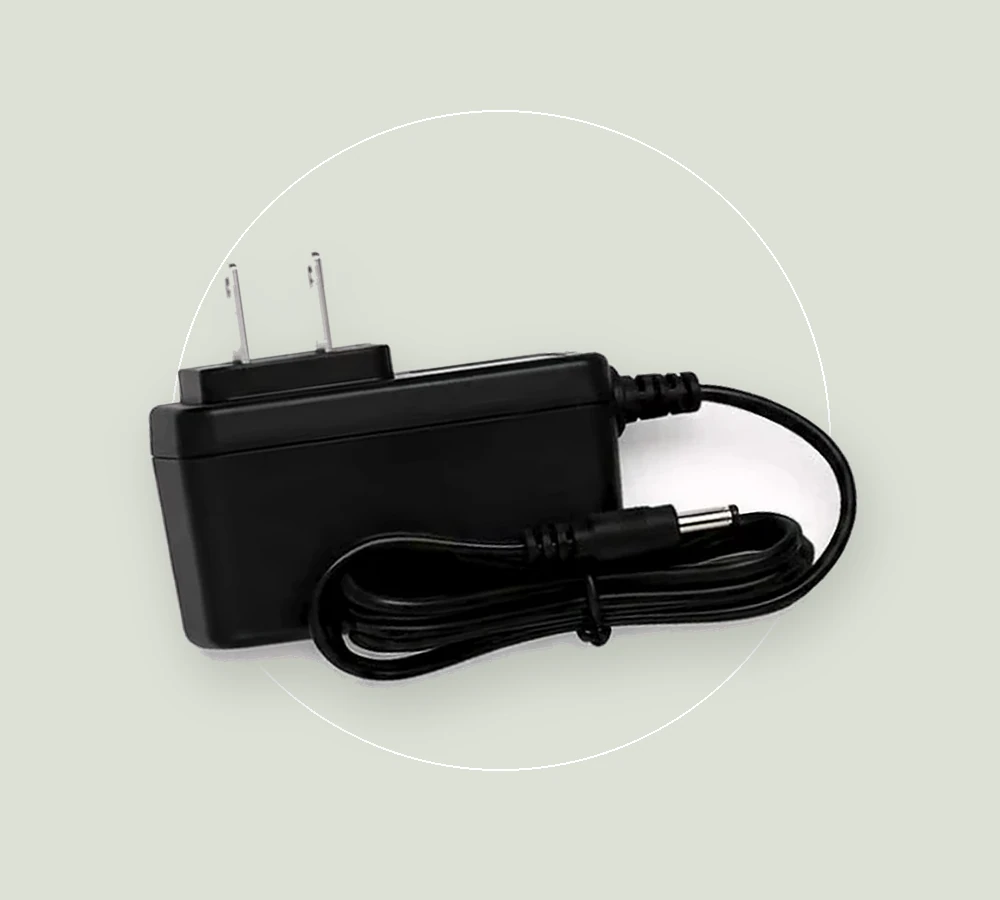
Power adapter
Connects the device to power.
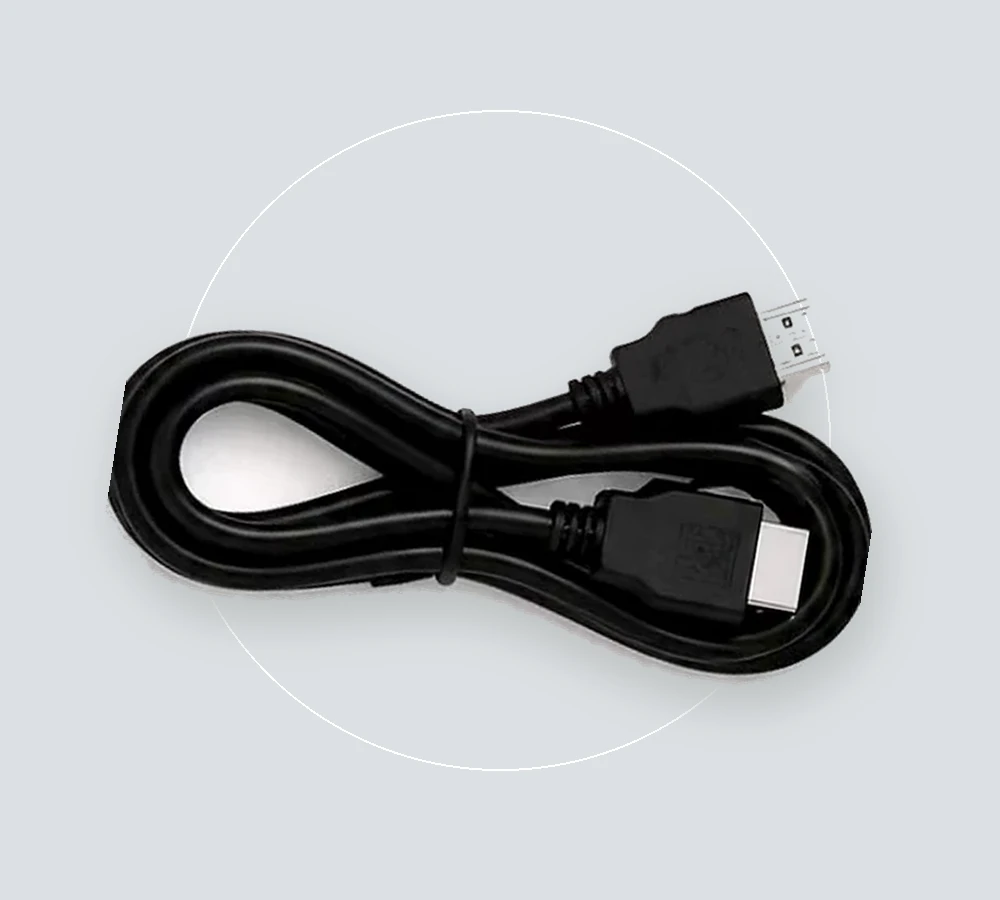
HDMI cable
Connects the device to an HDMI display.
YOUR NEXT STEP
Find your setup.
Review the selected product’s options and package details before you choose.